Can You Access a PLC Remotely? Program Changes and Troubleshooting
Find out when a PLC can be checked or reprogrammed remotely, what to prepare at the machine and why viewing an HMI is different from changing its PLC program.
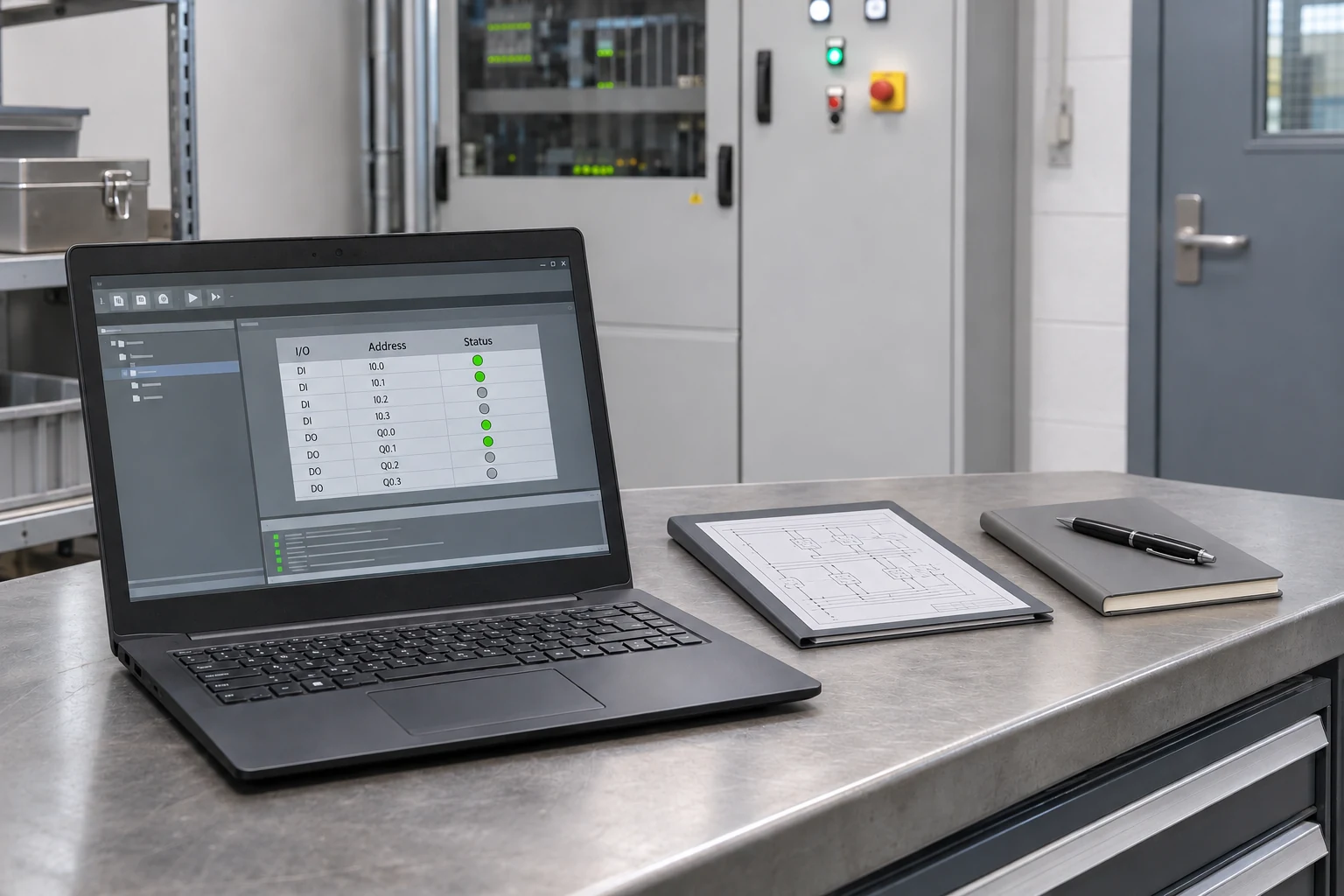
Yes, a PLC can be accessed remotely when compatible equipment, an appropriate connection and authorized access are available. Some diagnostics and defined program changes do not require an engineer to travel to the machine. Internet access alone is not enough: the exact PLC model, engineering software, available project files and a responsible person at the machine all matter.
Whether you need a sequence changed, an HMI alarm investigated or help with a machine in another city, establish the scope first. Wiring faults, damaged components and physical safety checks still require competent local personnel.
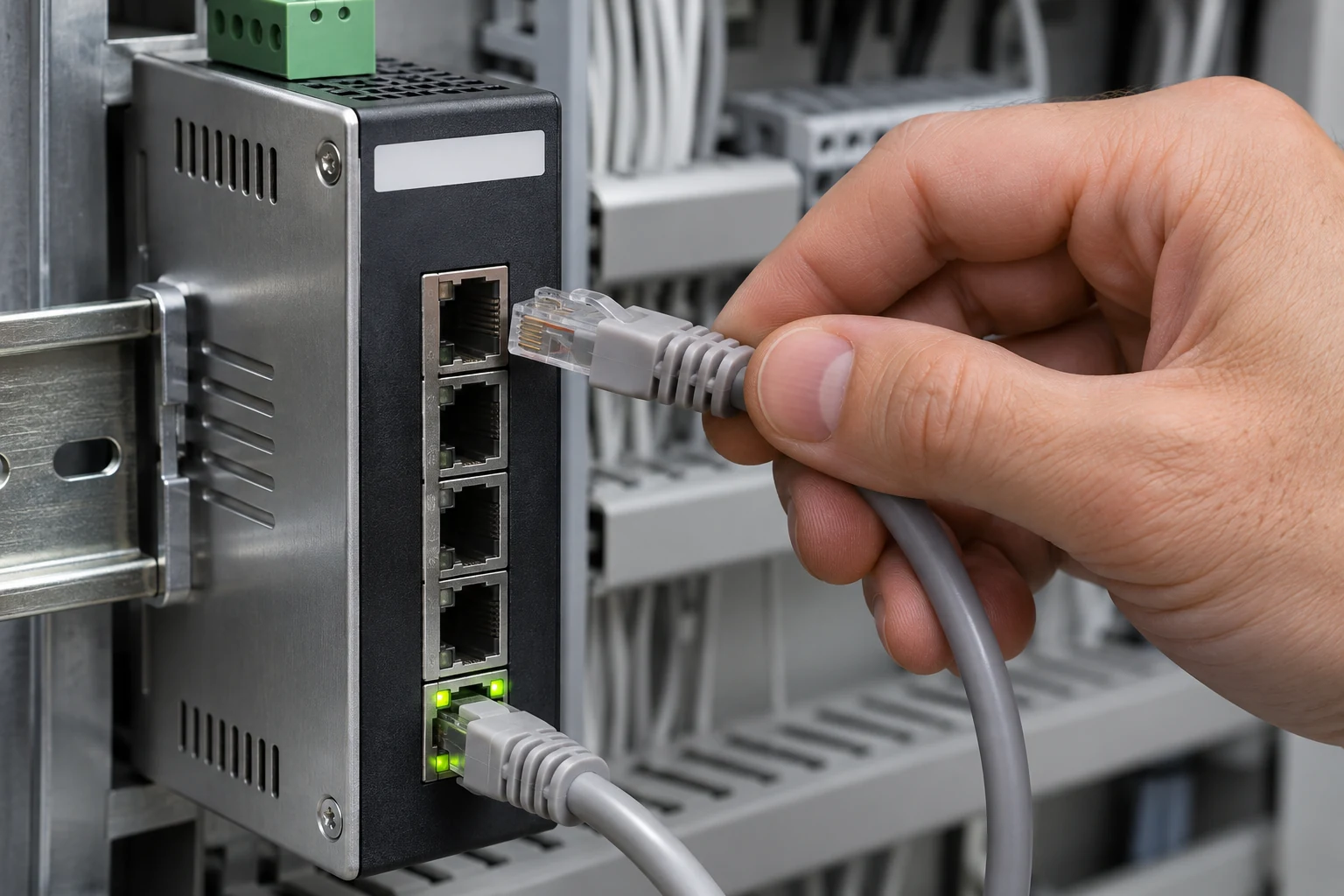
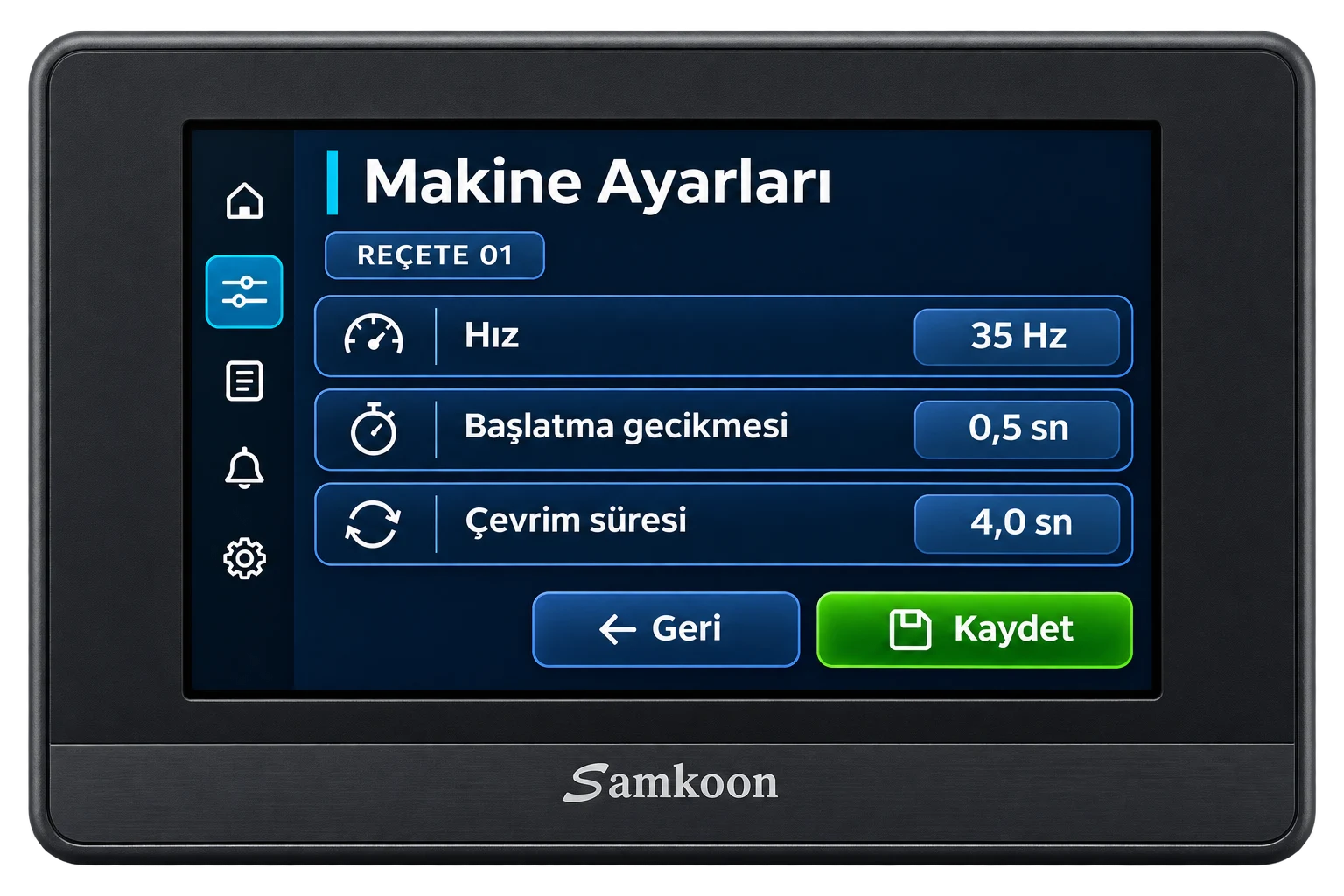
The cover and supporting image are AI-generated illustrations, not screenshots of a specific software package or records of a customer installation.
What can remote PLC support cover?
- Diagnostics: Read supported fault records, controller status and the conditions preventing a sequence from continuing.
- Sequence review: Check relationships between sensor inputs, permissives, timers and alarms.
- Program changes: Add an agreed step, counter or parameter when a suitable project and access are available. Establish any downtime requirement before making changes.
- HMI changes: Prepare screen, alarm and recipe changes when the editable HMI project and a supported transfer method are available.
For example, if a sensor appears active but its PLC input is off, the cause may be the supply, wiring or sensor itself. Remote monitoring helps locate the missing signal; it cannot repair a damaged cable.
What needs to be available at the factory?
Two common approaches are an authorized session on an on-site engineering computer and a controlled VPN route into the machine network.
1. Remote access to an on-site PC
This requires a computer that can connect locally to the PLC, compatible engineering software and licence, the correct interface and cable, internet and an approved remote session. It can suit initial investigation or occasional support. The PLC connection runs from the local computer while the specialist works on that computer remotely.
2. Industrial or existing plant VPN
This requires configured access permissions, appropriate routing, a reachable target and compatible engineering software. It can suit recurring maintenance or controlled access to several machines. The plant's authorized network team must approve the arrangement.
Ewon documents browser access and the eCatcher VPN client as separate access methods. Being able to view an HMI remotely does not automatically provide PLC programming access. Ewon remote access methods.
Is installing AnyDesk or TeamViewer enough?
No. Remote desktop software provides access to a computer. That computer still needs the correct PLC software, drivers, licence and physical connection. If the PC cannot reach the PLC locally, remote desktop access does not fix the missing connection.
Use authorized, restricted access rather than exposing a controller directly to the internet. End the session afterwards or apply the site's access policy. Generic modem port forwarding is not a universal solution for industrial equipment.
What if the PLC project or password is missing?
First check which diagnostic data and upload functions the device permits. A backup read from the PLC is not necessarily the original editable engineering project. Comments, symbols, libraries or HMI source files may be absent. Protected projects require authorized access or the source from the machine builder; protection is not bypassed.
If you are unsure what your files contain, share the file extensions and controller model. Our PLC backup guide explains the difference between project archives, uploads and device backups. If the existing program cannot be edited, rebuilding software from the electrical drawings and operating sequence is a separate scope of work.
Let’s talk about your machine
If you’d like to talk, leave your name and phone number and we’ll give you a call.
Thank you. We’ll be in touch.
Does the PLC brand matter?
Yes. The exact model, firmware, engineering software and communication interface matter more than the brand name alone. We assess Siemens, Delta, Samkoon and XINJE systems by model. Not every PLC has Ethernet. Serial or USB models may need a suitable local PC and interface hardware. Supporting a manufacturer does not mean every model supports the same remote connection.
When is on-site work necessary?
- Supply, wiring, sensors or output hardware need physical measurement or replacement.
- No local connection can be established and nobody qualified is available to prepare one.
- Machine movements and safety functions need to be verified at the machine.
- The controller cannot be read or replacement hardware must be installed.
Downloading a program, editing online or stopping a CPU can affect production. Record the current condition and available backups first, agree the change and rollback plan, then carry out controlled tests with an authorized person at the machine. Bypassing safety circuits or forcing outputs without observing the consequences is not a troubleshooting method.
Can you support a machine outside Istanbul?
Yes. From Başakşehir, Istanbul, we provide remote PLC and HMI software support across Turkey where the required access is available. You do not need to have purchased the machine from us. We first assess the equipment and request, then establish whether remote work, an on-site visit or workshop inspection is appropriate.
A PLC may be shipped for programming or bench checks by prior arrangement. A successful bench test does not commission the complete machine: its sensors, drives and safety functions still need verification on site.
What should I send before requesting support?
- Readable photographs of the PLC and HMI identification labels.
- The exact alarm or requested change, with a short operating video if available.
- Available project files and the date of the last working backup. Do not send passwords in an open message.
- Whether a PC, internet connection and authorized maintenance person are available at the machine.
- The machine's location and a suitable maintenance window.
Send us these details so we can establish what is possible remotely. See our PLC and HMI programming service or leave your name and phone number in the form on this page.
Frequently asked questions
Can we use a mobile phone hotspot?
A hotspot may provide internet to the local PC or a suitable router, but it does not itself create PLC access. Site permissions, connection stability and the selected access method still need checking.
Can the program be changed while the machine is running?
Not every change can be made during production. Check the CPU capabilities, supported software operations and the effect of the specific change. Work requiring downtime or controlled tests needs a planned maintenance window.
What determines the cost of remote troubleshooting?
Connection preparation, available project files, diagnostic time, change scope and testing requirements. A request described as a single parameter adjustment may require a program change. Read about PLC programming cost factors.