WPLSoft Project Won’t Open or Compile in ISPSoft?
A practical Delta PLC guide to opening .dvp files, converting to .isp and investigating compiler errors, target CPUs, variables and function blocks.

If a WPLSoft project will not open in ISPSoft, first check the file type and software version. If the project opens but will not compile, inspect the first error message, target CPU and affected program section. A file-opening problem, a compilation error and a PLC connection problem require different checks.
You may have inherited an older machine’s Delta PLC project and need to add a sensor, change the sequence or replace the CPU. Before converting anything, preserve the original project and work on a copy.
For a project review, prepare the exact PLC model, software version and error screenshot. We provide Delta PLC program review, modifications and commissioning support from Başakşehir, Istanbul. Leave your contact details below. We support suitable projects remotely across Turkey and can receive appropriate devices by courier for programming.
Let’s talk about your machine
If you’d like to talk, leave your name and phone number and we’ll give you a call.
Thank you. We’ll be in touch.
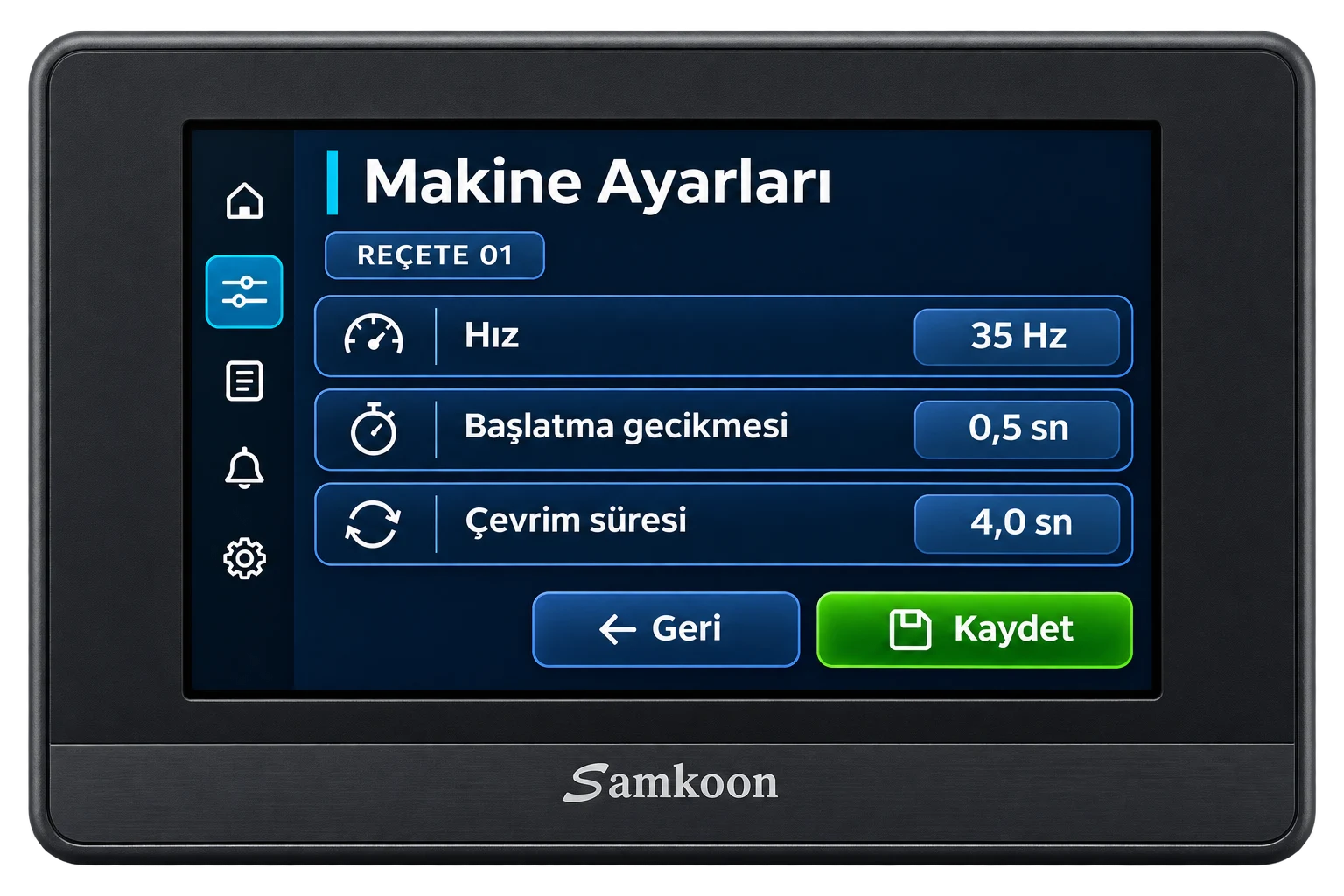
Can ISPSoft open a WPLSoft .dvp file?
Delta’s ISPSoft manual describes opening WPLSoft .dvp files through File → Open. Saving converts the file to ISPSoft’s .isp format. The same section explains conversion of older ISPSoft project formats. This concerns project files. Moving to a different CPU still requires verification of program behavior. ISPSoft user manual, chapter 2, page 2-21
Renaming a file extension does not convert its contents. Establish whether you have an editable source project, a compressed archive or a file belonging to another development tool. An HMI panel project may be separate from the PLC project.
Identify the stage at which the problem occurs
- The file does not appear in the list. Check the file-type filter in the Open dialog and the actual extension. Record the filename and extension.
- The file can be selected but the project will not open. Examine the original file, software version and opening error. Keep the full message and source software version.
- The project opens but compilation fails. Inspect the first compiler message, referenced program section and target CPU. Record the line, POU or block name.
- Compilation succeeds but PLC connection fails. Check the communications interface and connection settings. Record the connection message and device model.
For example, plugging a USB cable into a PLC cannot repair the contents of a project file that fails to open. Start that investigation with the file and editor on the computer.
Open the project while protecting the original
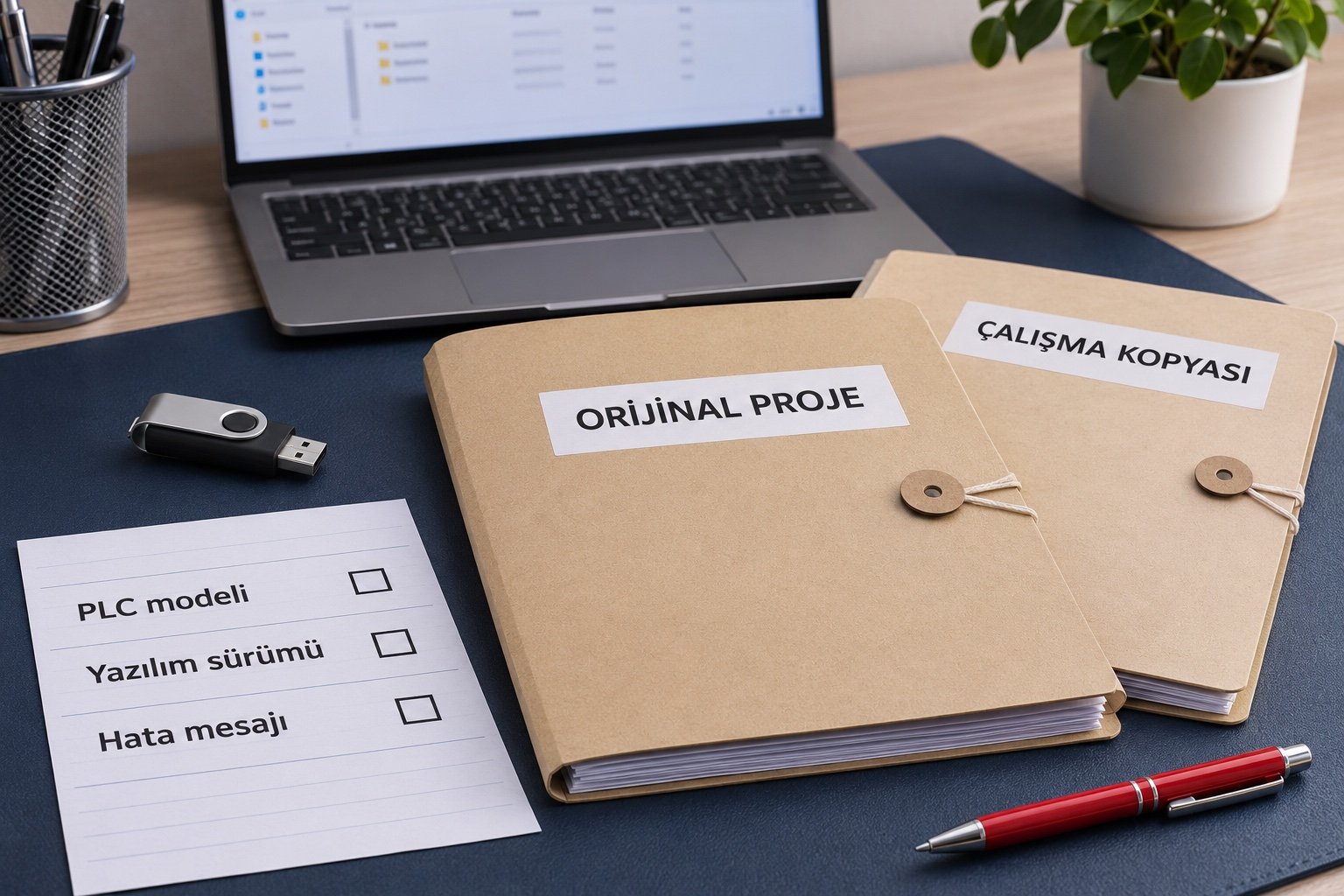
- Store the original project separately. Record who supplied it, when it was received and the software version used.
- Create a working copy. Extract the file first if it is inside an archive.
- Use File → Open in ISPSoft and select the appropriate file type. Check the installed version’s help for the exact menu layout.
- Compare the project’s target CPU with the physical controller label. Record the machine’s input and output addressing.
- Save under a different name. Then review compilation results and the relevant project settings.
If you are still choosing a development tool, see our Delta WPLSoft and ISPSoft guide. Check exact model support after identifying the DVP, AS or AH family.
What should you check for a function-block or variable-declaration error?
The full error message is needed to identify the cause. The following are review questions to apply at the location indicated by the compiler.
- Is the name correct? Compare the symbol used in the program with the declared variable or block. Check spelling and reuse of the same name elsewhere.
- Is the data type appropriate? Compare the connected value with the type expected by the input or variable. Changing every type simply to suppress an error can create other problems.
- Is the symbol visible here? Check whether the program section can access the declaration. Declaring something in one section does not necessarily make it accessible everywhere.
- Are the block and dependencies present? If a call was copied from another project, verify that its definition and required library exist in the working copy.
- Has the target model changed? Compare instruction and feature support with the documentation for the selected CPU.
Delta describes ISPSoft’s modular programming and reusable function blocks. These features make it important to review block definitions together with their calls. Delta’s ISPSoft and WPLSoft explanation
Start with the first meaningful compiler error
An initial problem may trigger further messages. Inspect the first meaningful error, make one change and check again. Record the result. Editing several files or addresses at once makes it harder to determine which change affected the outcome.
Delta’s AS manual explains that Check or Compile results appear in Compile Message and that selecting an error leads to the relevant location. Confirm the corresponding controls in your installed software version. Delta AS operation manual, chapter 6, page 6-23
Is a compiled project ready to download to the machine?
Compilation does not validate the complete machine sequence. Especially after a CPU change, review I/O mapping, timers, retained data, communications and HMI addresses. A recipe value written to an incorrect address may not produce a compiler error.
Back up the existing program and required parameters before transferring to an operating machine. Plan commissioning with authorized technical personnel, the machine in a safe state and a rollback procedure. Our PLC backup checklist can help with preparation.
Frequently asked questions
Will every .dvp project convert without issues?
File condition, source software version, target CPU and used features all matter. A supported file format still requires project and machine verification.
Can I review the file without connecting to the PLC?
You can investigate opening and compilation on the computer. Verification of sensors, drives and the machine sequence is a separate stage.
What if the project requests a password?
Ask the authorized project owner for access credentials and the source archive. Password protection, file corruption and compiler errors are distinct situations. Include the full message in your support request.
What do we need to review your Delta PLC project?
Send a clear CPU-label photo, a copy of the original project, WPLSoft/ISPSoft version, first error message and a brief description of the required change. Başakşehir Makine provides PLC software support for existing machines as well. From Başakşehir, Istanbul, we assess remote support across Turkey and courier delivery for suitable devices.